
Solution
AI Coding Plan Usage for Teams
Updated 2026-08-04 · AI coding plan usage
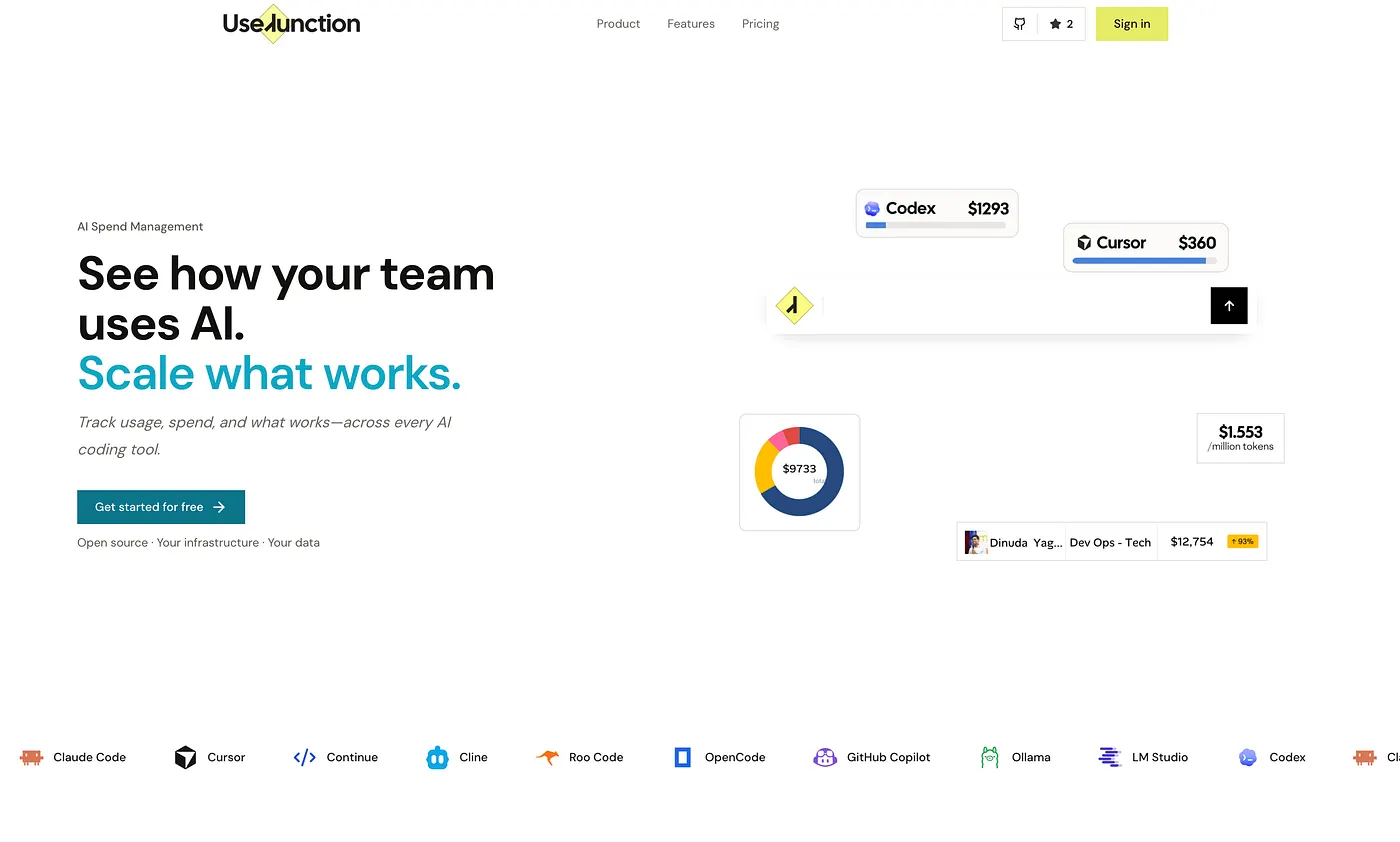
Plan usage is more than a vendor dashboard
Vendor admin pages are usually organized around one product. Engineering teams often run several AI coding subscriptions at once, which makes quota pressure and renewal decisions difficult to compare.
UseJunction brings tool, model, developer, plan, and device context into the same operating picture.
See quota pressure before it becomes an incident
Identify developers and teams approaching plan limits, then compare that pressure with tool choice, model usage, and cycle timing.
This makes it easier to distinguish a temporary spike from a plan that no longer fits the team’s workload.
Connect usage to rollout decisions
Use plan signals to decide whether to expand a subscription, reclaim an idle seat, standardize a tool, or investigate a missing device enrollment.
Keep richer work detail optional so teams can improve visibility without turning plan measurement into developer surveillance.
Review AI coding plan usage
- Enroll devices. Connect the developers and teams whose AI coding usage you want to compare.
- Review tool coverage. Check which tools and models are active and which devices are missing or unhealthy.
- Compare cycles. Review quotas, subscription cycles, observed usage, and heavy-user concentration.
- Plan the next action. Reclaim idle seats, adjust plans, or investigate coverage before renewal.
FAQ
- Can I see Cursor plan usage for my whole team?
- Yes. UseJunction rolls up Cursor-related activity, plan cycles, quota pressure, and enrollment coverage across the organization.
- Can this show Claude Code and Codex usage too?
- Yes. UseJunction combines supported AI coding tools in one dashboard so teams can compare usage patterns instead of checking one vendor at a time.
- What happens when a vendor does not expose a plan metric?
- UseJunction shows the usage and coverage signals available from the local agent or connected integration and keeps their provenance visible. It does not invent a vendor-confirmed quota.
Get started
Deploy open-source or upgrade to Managed.