CodexBar for Teams: See Codex and Claude Code Limits Across Your Whole Team
- Category
- Codex UsageCodexBarCodex
- Published
- Read time
- 7 min
- Written by
- Dinuda Yaggahavita
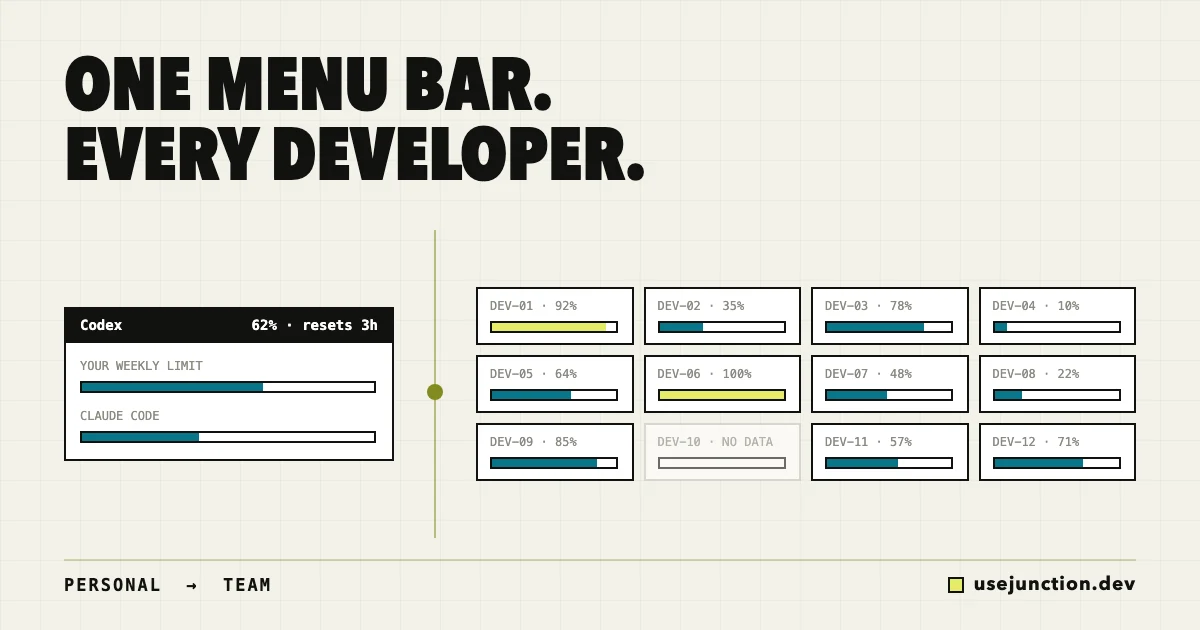
CodexBar is a personal menu-bar app that shows one developer their own Codex, Claude Code, and Cursor usage limits, reset windows, and spend. There is no built-in team mode. For a team, UseJunction plays the CodexBar role at the organization level: a local agent on each macOS or Windows laptop reports usage signals to one dashboard that shows who is close to their limits, which plans are underused, and what AI coding costs per developer.
Key takeaways
- CodexBar is a personal macOS menu-bar app for Codex, Claude Code, and Cursor limits. It has no team or admin mode.
- A team needs the same signals aggregated: usage per developer, limit pressure, plan cycles, seats, and cost.
- UseJunction runs a local agent on each macOS or Windows laptop and rolls those signals into one dashboard.
- Coverage gaps are flagged, so a laptop that never reported is not mistaken for zero usage.
- Developers can keep CodexBar for personal checks while the team uses UseJunction for seat and spend decisions.
If you searched for “CodexBar for teams”, you probably already like CodexBar. It sits in the menu bar and tells you how much of your Codex or Claude Code plan is left, when it resets, and what you have spent. For one developer, that is exactly the right tool.
The problem starts when you are responsible for twenty developers instead of one. CodexBar can’t answer the questions a team lead or platform engineer gets asked:
- Who on the team keeps hitting their Codex limit by Wednesday?
- Which ChatGPT and Claude seats have barely been used this cycle?
- What does AI coding cost us per developer, across every tool?
- Is half the team on macOS and the other half on Windows with no visibility at all?
This post covers what CodexBar is good at, why it stops at one person, and how to get the same view for a whole team.
What does CodexBar do?
CodexBar reads your local provider sessions and shows usage at a glance: session and weekly limits, reset countdowns, credits, provider status, and personal spend. It covers Codex, Claude Code, Cursor, and other providers without opening each vendor’s dashboard.
It answers one question very well: “How much of my plan do I have left?” Keep using it for that.
Why doesn’t CodexBar work for a whole team?
- It is per-machine. Each developer sees only their own numbers. There is no place where those numbers come together.
- It is per-OS. CodexBar is a macOS app. Windows and Linux developers need separate community ports, or go without.
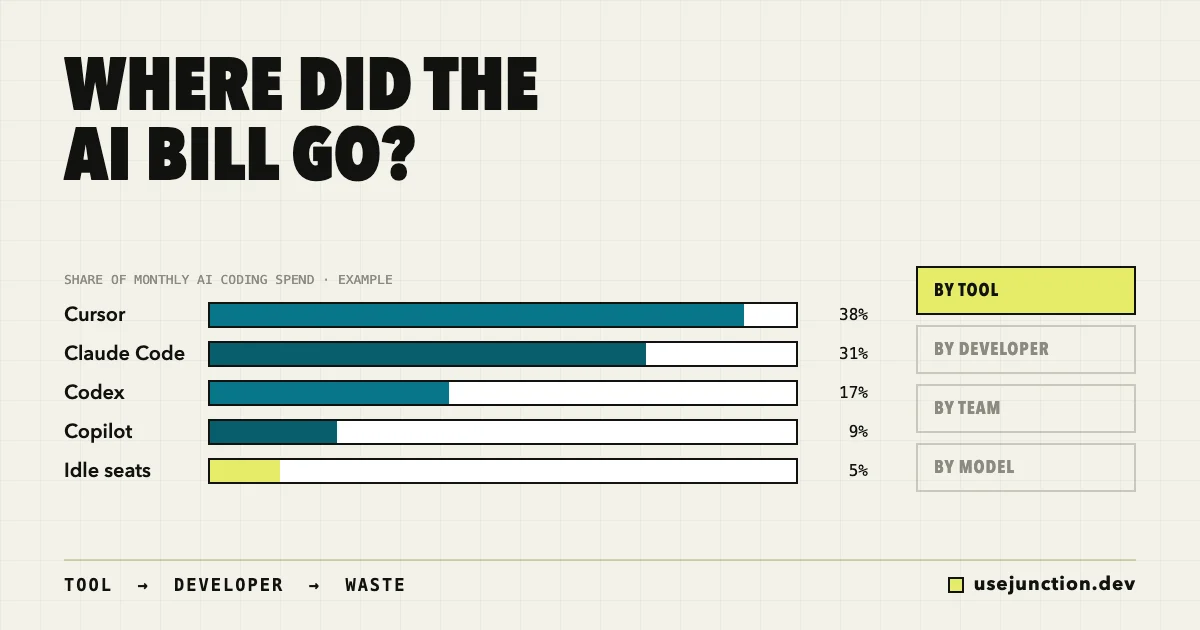
- It has no seat context. It knows your limit, not whether the company is paying for 40 seats that 25 people use.
- It has no history for decisions. Renewals, upgrades, and budget questions need trends across cycles, not a live gauge.
- “No data” is invisible. If someone never installed it, nobody notices. A team tool has to show coverage gaps.
Asking every developer to screenshot their menu bar before a renewal meeting is not a process. You need the same signals, collected once, in one place.
What should a CodexBar for teams do?
Take the CodexBar idea and lift it to the organization level. A team version needs to:
- Aggregate usage per developer for Codex, Claude Code, Cursor, Copilot, and local models.
- Track plan cycles and limit pressure so you can see who runs out early and who never gets close.
- Compare seats to real usage so idle seats show up before renewal, not after.
- Attribute cost by developer, team, tool, and model.
- Run on every OS your team uses — macOS and Windows.
- Show device coverage so missing data is flagged, not mistaken for zero usage.
- Respect privacy — usage signals only, no prompts, code, keystrokes, or screenshots.
How do you get CodexBar-style visibility for a team?
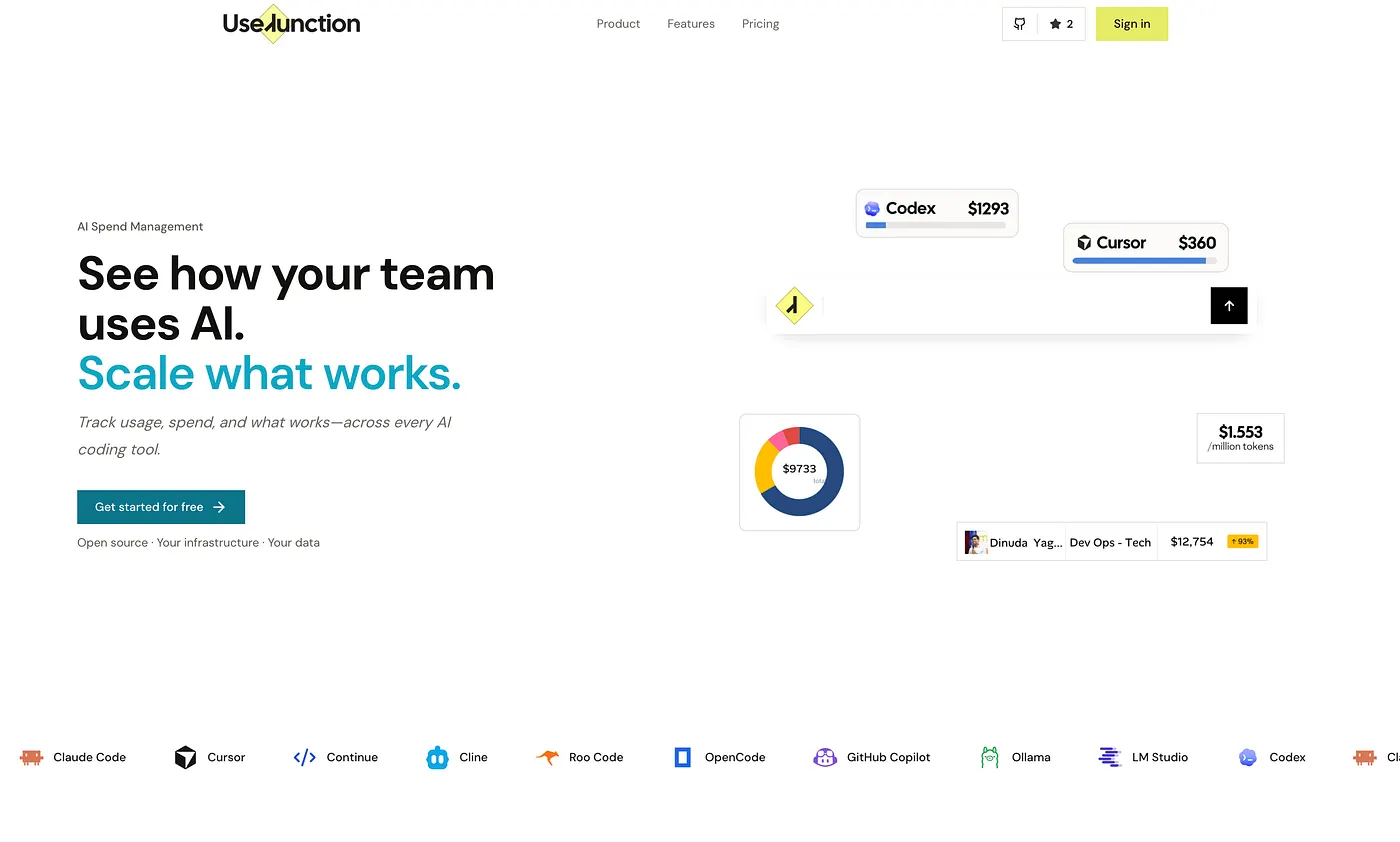
UseJunction is open-source AI coding observability for teams. It uses the same basic approach as CodexBar — read usage locally on the developer’s machine — but sends the signals to a shared dashboard instead of a menu bar.
- 1. Deploy the dashboard. Use the managed version or self-host it under the Community License.
- 2. Enroll devices. Each developer runs a one-line install of the lightweight agent on macOS or Windows.
- 3. Opt in per provider. Collection is enabled per provider account, so personal accounts can stay out.
- 4. See the team. Usage, limits, plan cycles, cost, and device health for everyone, across every tool.
The questions from the top of this post now have answers: who is hitting Codex limits, which seats are idle, what AI coding costs per developer, and which laptops are not reporting. See the plan usage and waste guide for a walkthrough.
How does CodexBar compare to UseJunction?
- Audience: CodexBar — one developer. UseJunction — engineering leads, platform teams, finance.
- Surface: CodexBar — menu bar and CLI. UseJunction — org dashboard.
- Operating systems: CodexBar — macOS (community Windows ports). UseJunction — macOS and Windows.
- Limits and resets: CodexBar — your own, live. UseJunction — everyone’s, with history.
- Seats and cost: CodexBar — personal spend. UseJunction — seat utilization and cost by developer, team, tool, and model.
- Coverage gaps: CodexBar — no. UseJunction — yes.
For the full side-by-side, see CodexBar vs UseJunction.
Should developers keep using CodexBar?
This is not either/or. Developers can keep CodexBar for a quick personal check. The team uses UseJunction for adoption, plan pressure, seat waste, and spend. They read similar signals but answer different questions for different people.
CodexBar tells you how much of your plan is left. A team needs to know how much of every plan is being used — and by whom.
How do I get started?
Start with one team before rolling out org-wide. Sign up for the managed version, or self-host from GitHub.
Frequently asked questions
Is there a CodexBar for teams?
CodexBar itself is built for one developer on one machine. There is no team or admin mode. Teams that want the same idea — Codex and Claude Code limits, resets, and spend — across every developer use an organization-level tool such as UseJunction, which aggregates usage from a local agent on each laptop into one dashboard.
Does CodexBar work on Windows?
CodexBar is a macOS menu-bar app. Community ports like Win-CodexBar exist for personal use on Windows. UseJunction’s agent runs on macOS and Windows, so a mixed-OS team gets one view.
Can I see when my developers are about to hit their Codex limit?
Yes. UseJunction tracks plan cycles and quota pressure per developer and per tool, so you can see who is repeatedly hitting Codex or Claude Code limits — a signal to upgrade that seat — and who rarely uses theirs.
Should developers stop using CodexBar if we roll out UseJunction?
No. They answer different questions. CodexBar tells a developer how much of their own plan is left right now. UseJunction tells the team lead and finance how plans, seats, and spend look across everyone. Running both is fine.
Does UseJunction read prompts or source code?
No. The agent reports usage signals such as tool, model, tokens, cost, and plan state. There is no keystroke logging, screen capture, or traffic interception. Optional work-detail collection can be switched off per person or team.
Can I self-host it?
Yes. UseJunction is self-hostable under the UseJunction Community License, or you can use the managed version at usejunction.dev.
See your AI coding stack as one system.
Usage, cost, plans, and seats for every developer and every tool. Self-host it or use the managed version.
Founder of UseJunction
Dinuda is building UseJunction, an open-source observability layer for the AI coding tools, models, and plans engineering teams already use. His work focuses on making fragmented AI systems visible without turning operational data into developer surveillance.